Silo Studio
Make images on your Mac.
Not in the cloud.
Buy it once and it’s yours — no account, no subscription.
$9.99, one time. No subscription.
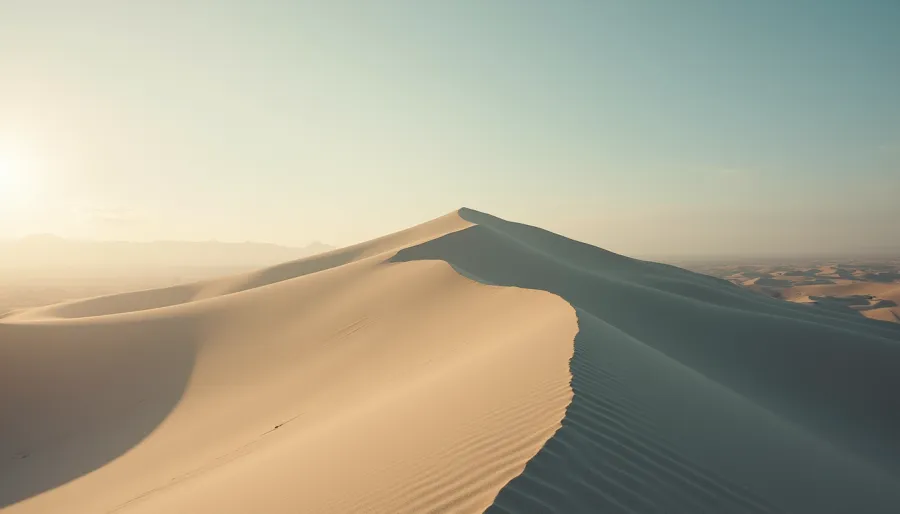
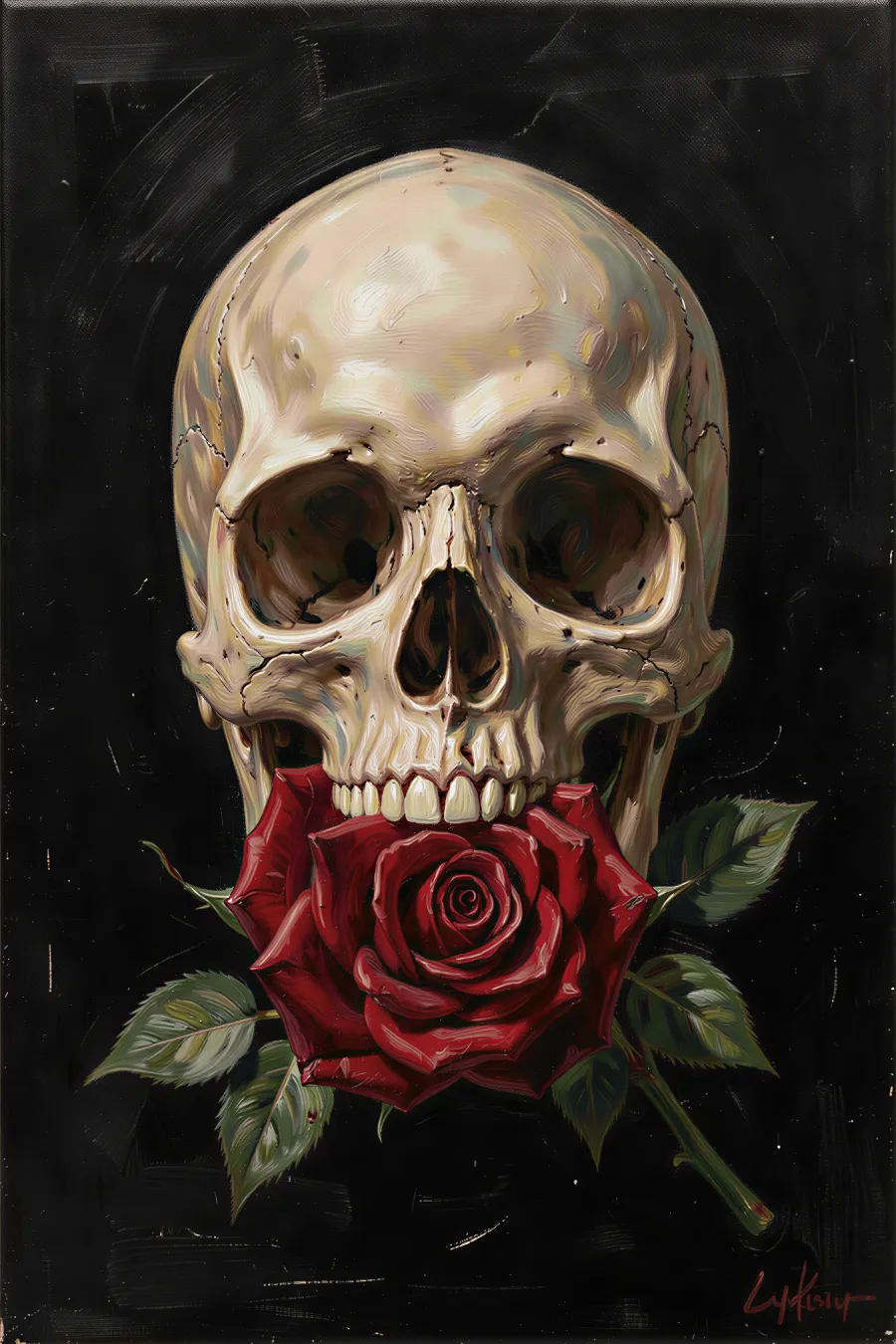
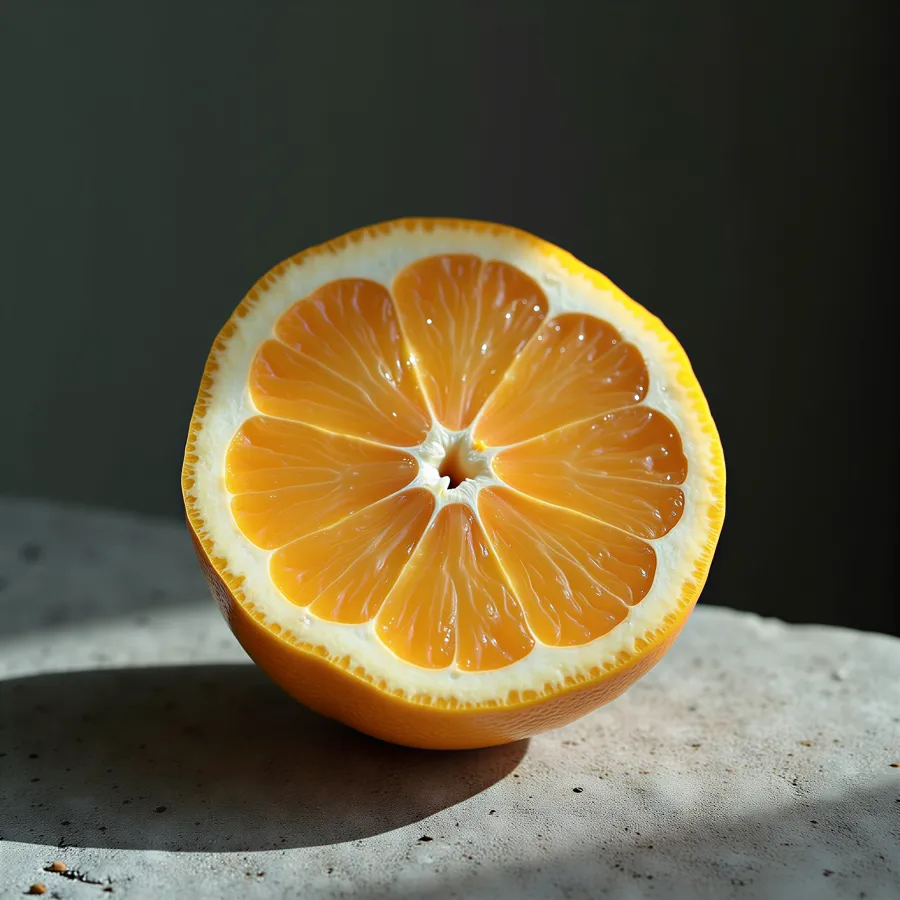
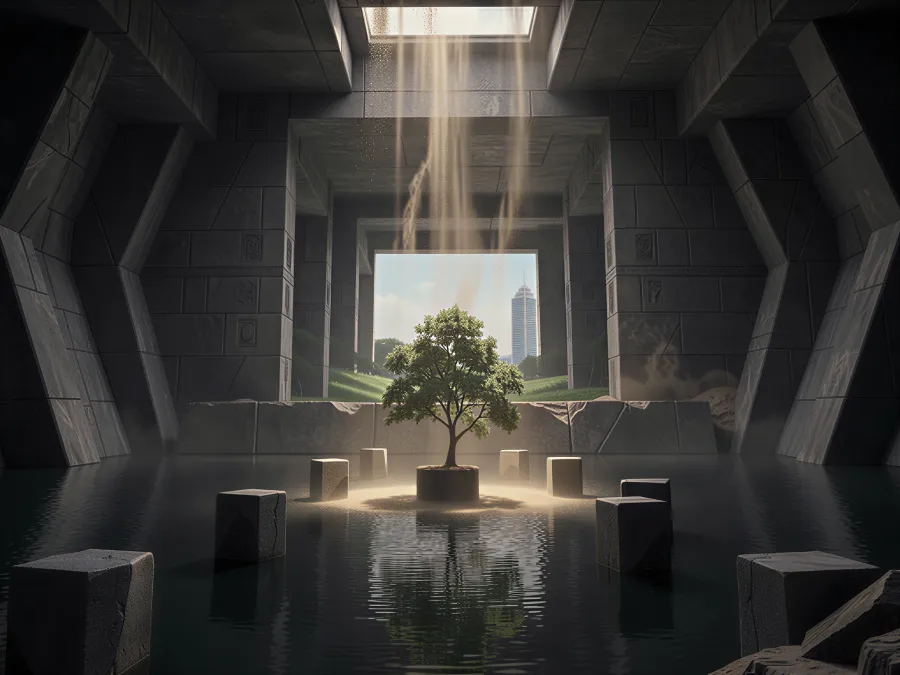
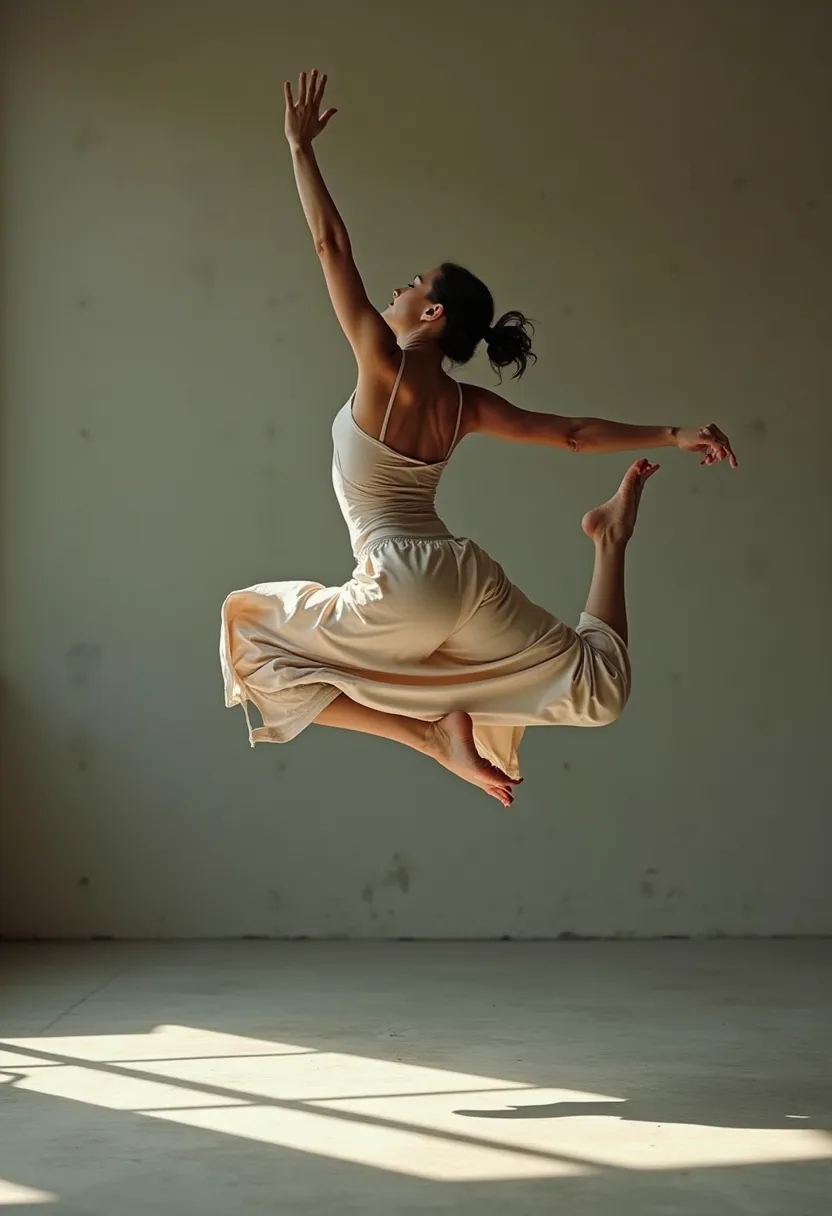

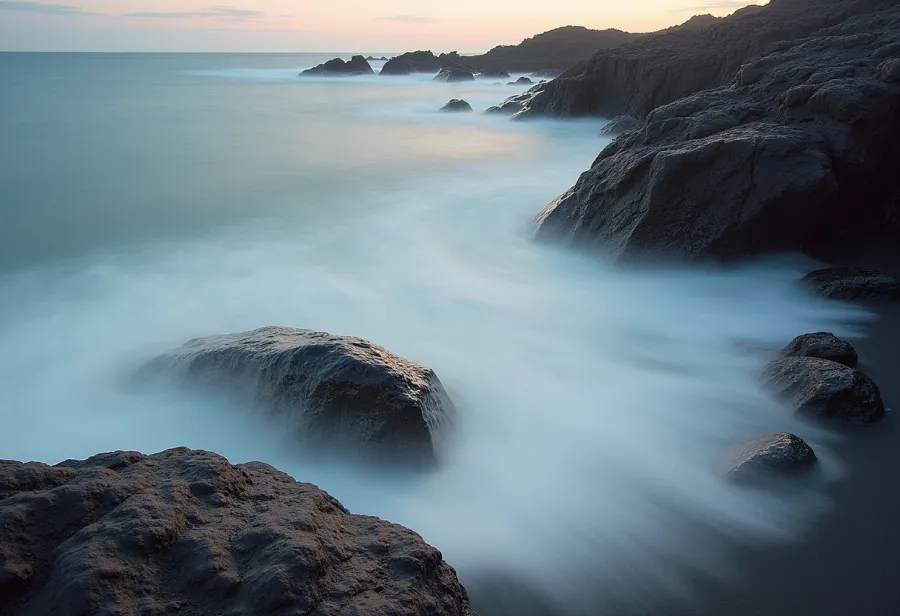
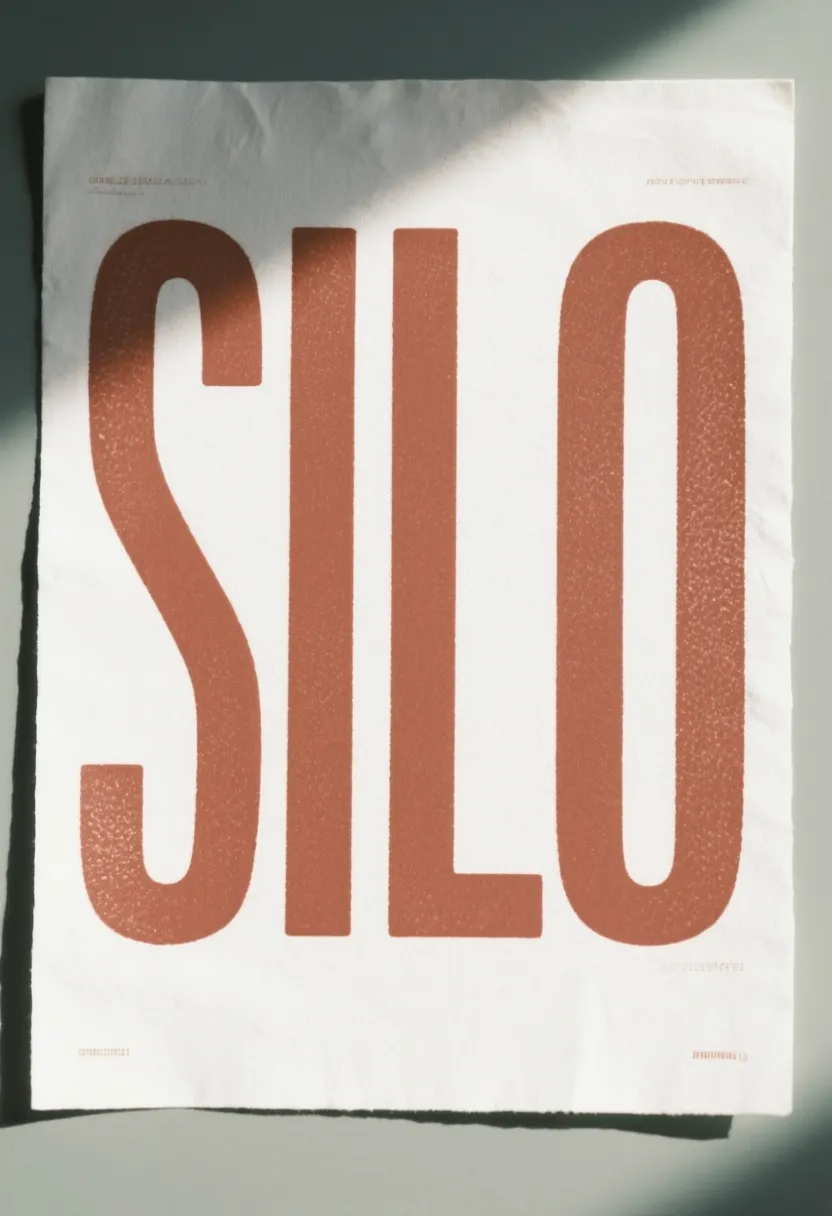
Think. Click. Create
Say what you want. Change it by saying what’s different. All of it happens on your Mac — no queue, no credits, nothing waiting on someone else’s server.
Creative block?
Just give a general idea of what you want, and tap enhance to get a perfectly detailed scene.

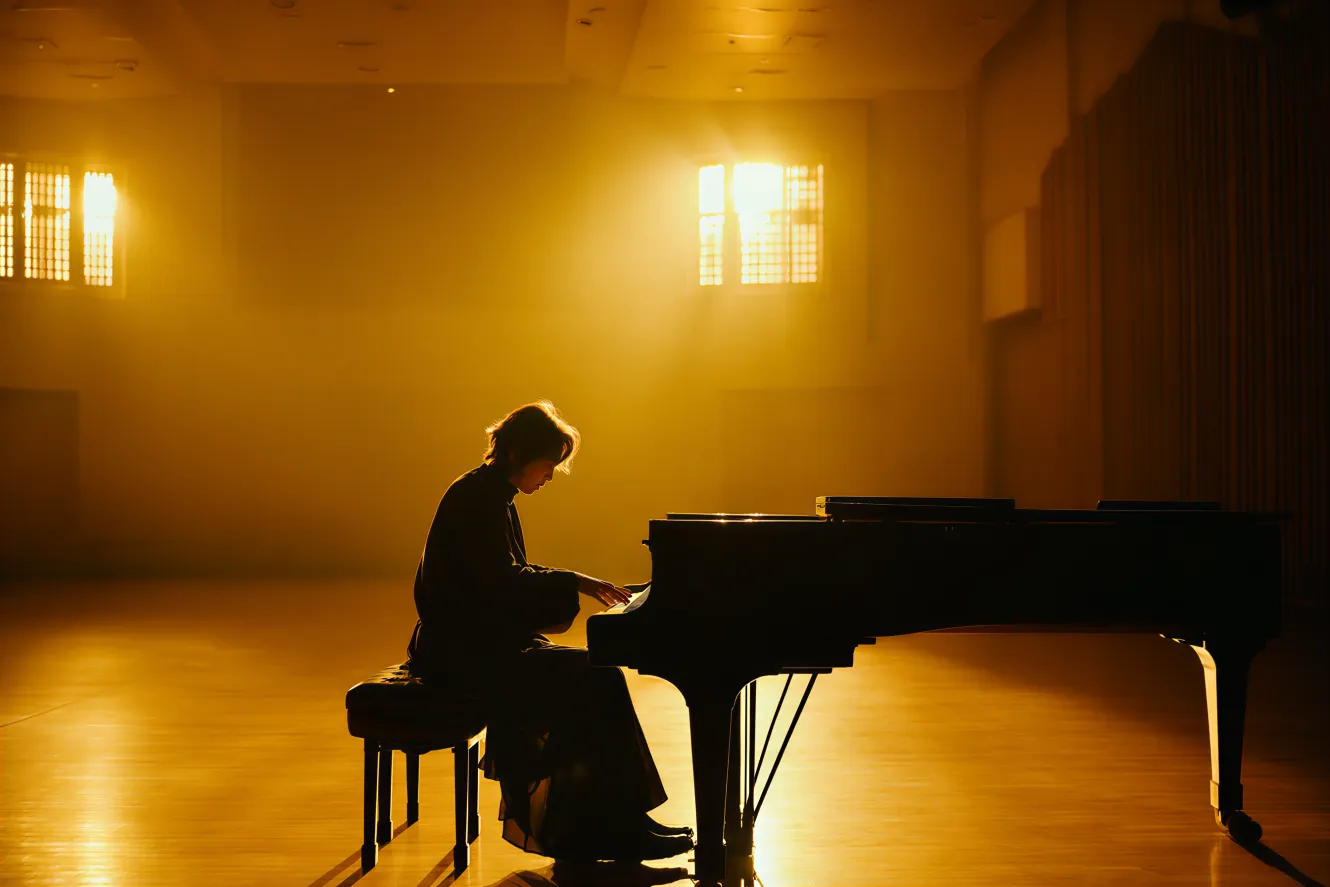
A person playing the piano in a sunlit concert hallsoft golden lightingcontemplative moodcinematic style
Think out loud.
Riff on an idea, ask for something complicated, change your mind halfway. It works out the how, so you can stay on the what.

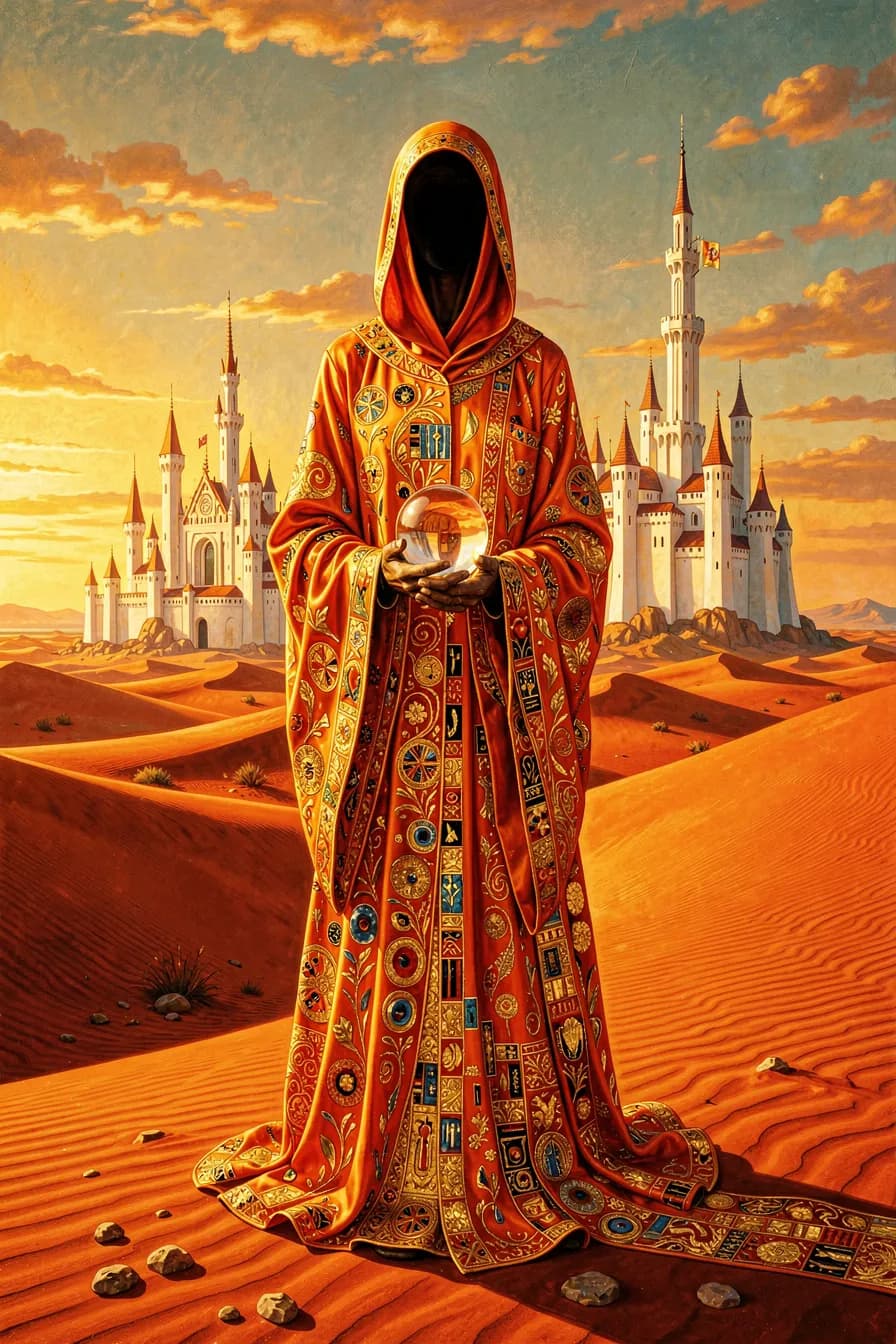
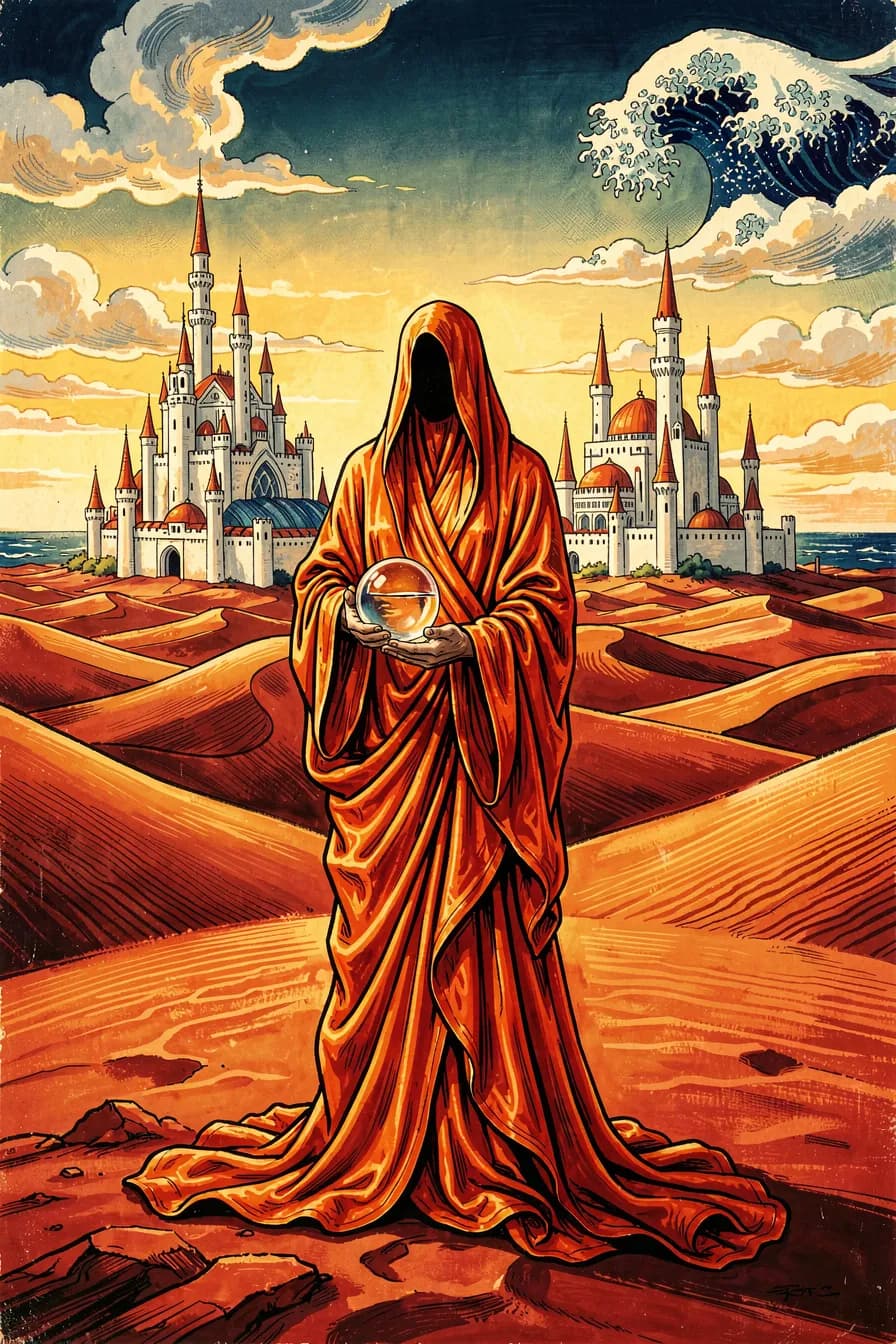
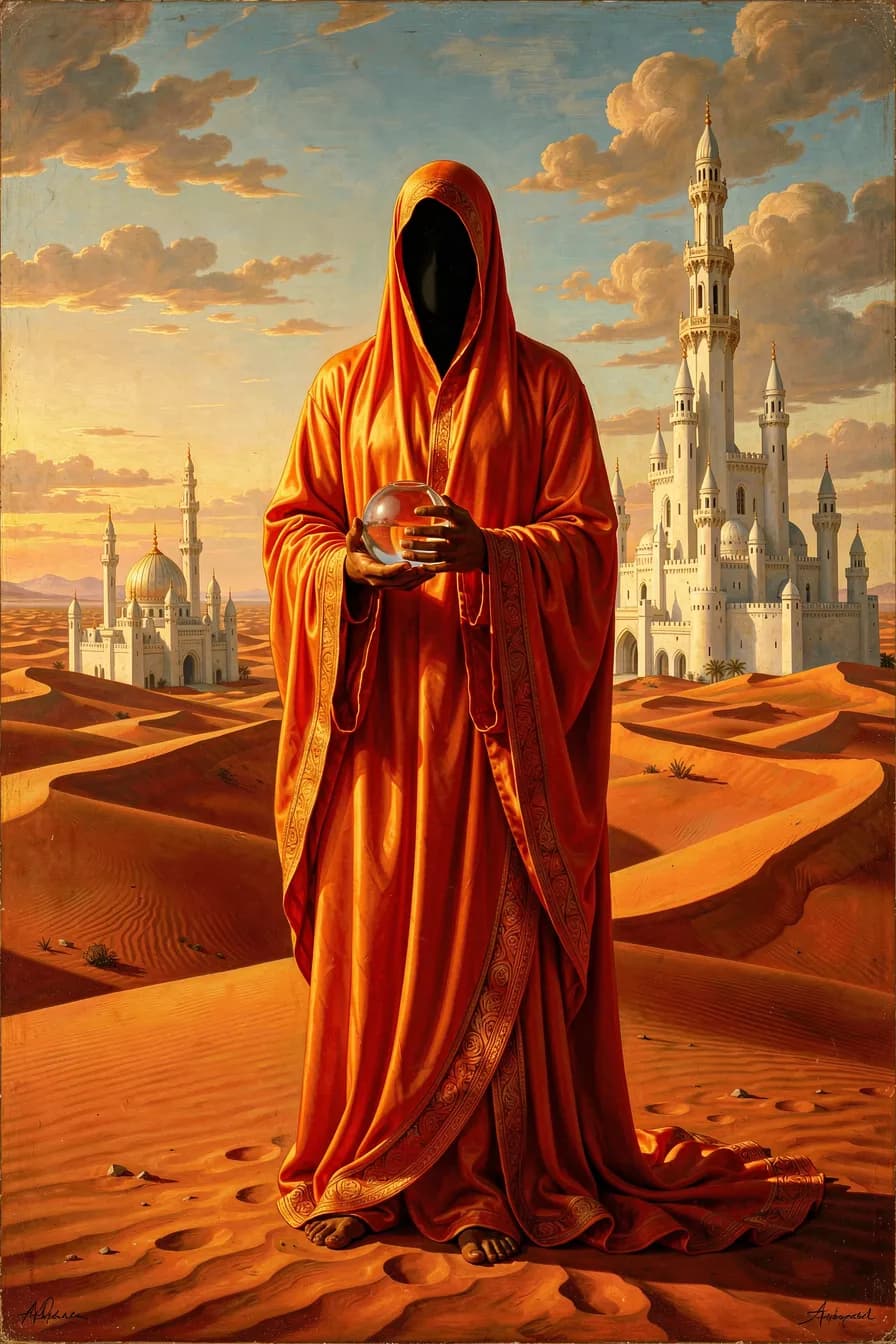
Make an image in 4 different styles: a tall figure in a bright orange silk robe, face hidden, holding a glass ball in the red Sahara, white castles far in the distance.
Got it! Here are the concepts
The right model for the job.
Every job.
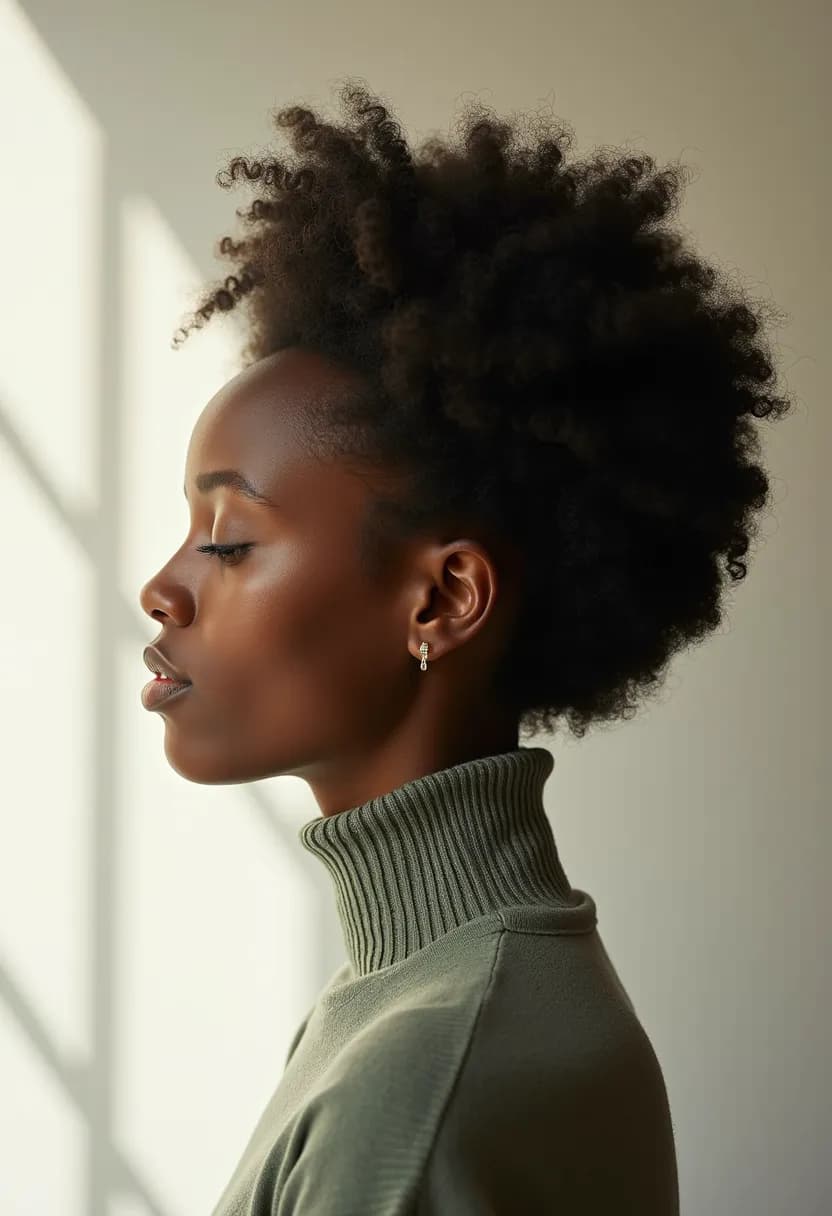
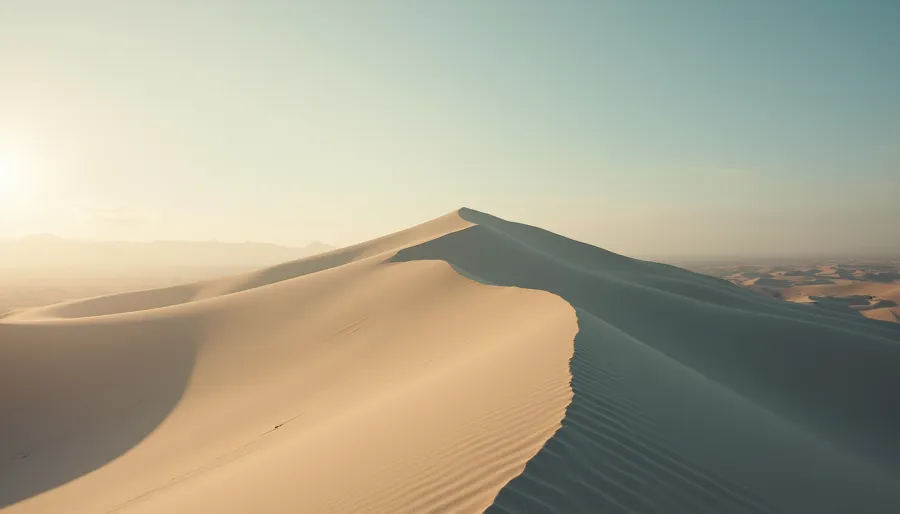
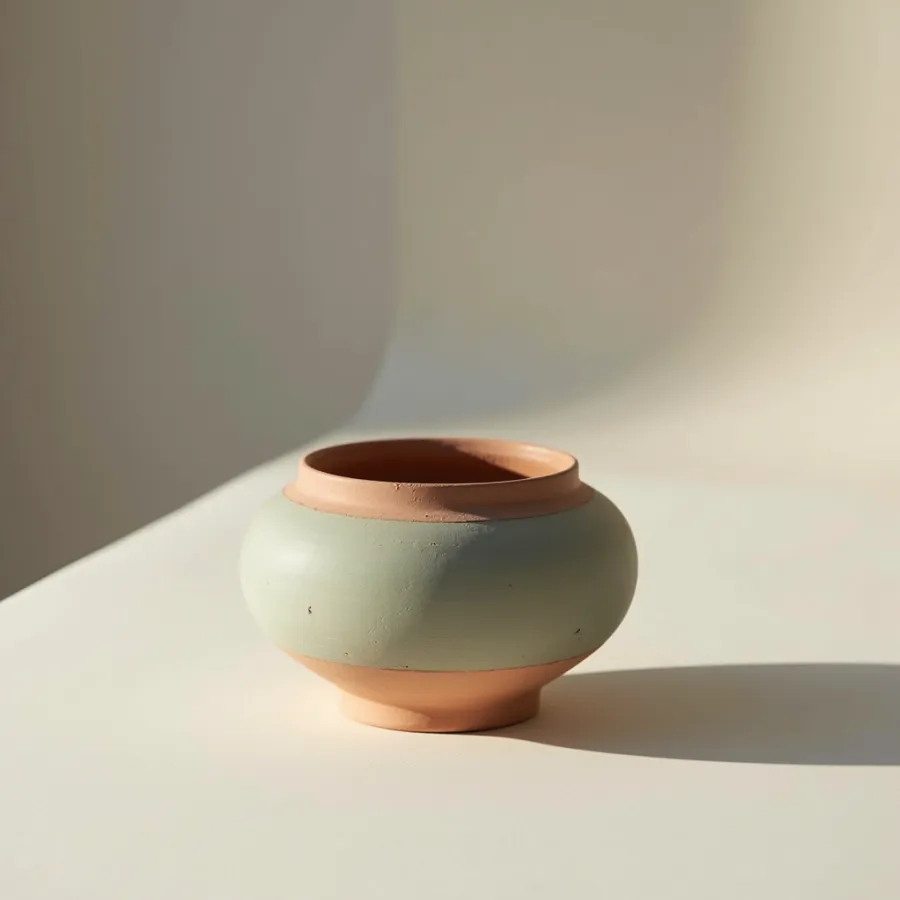
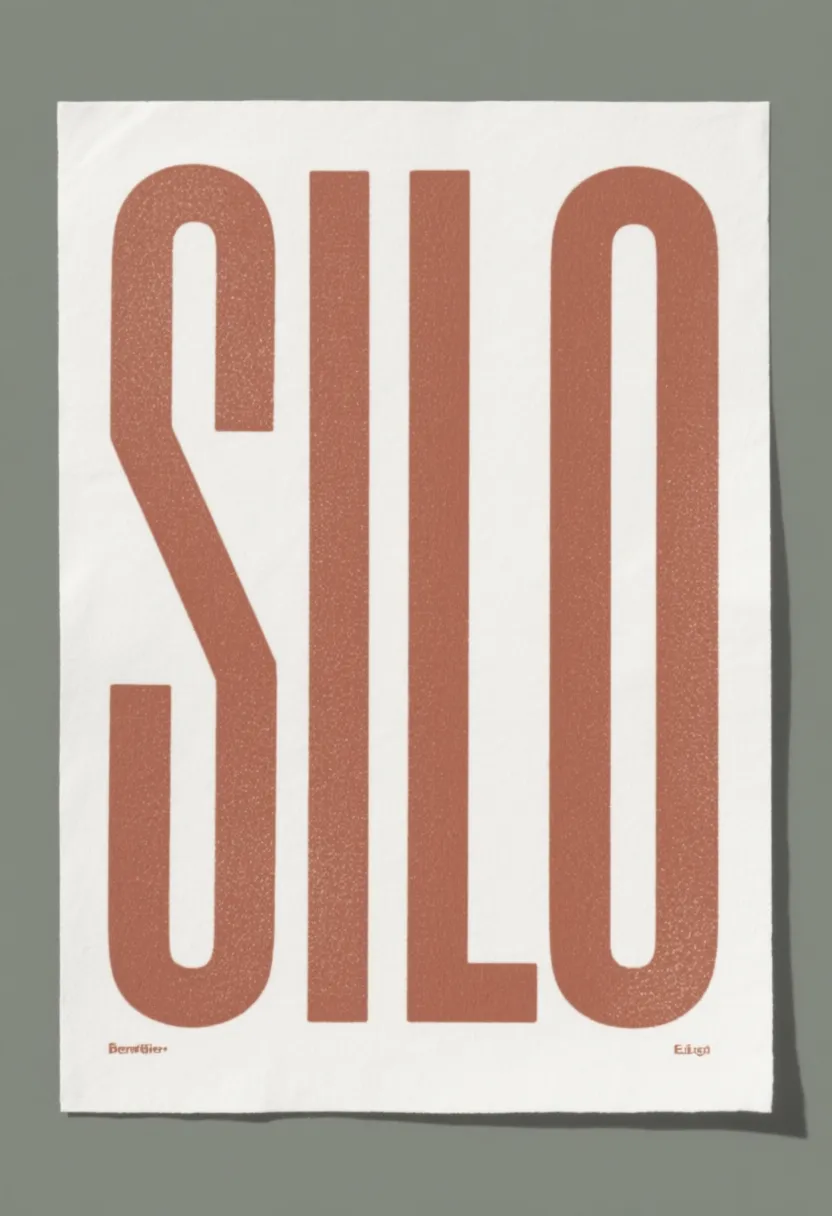
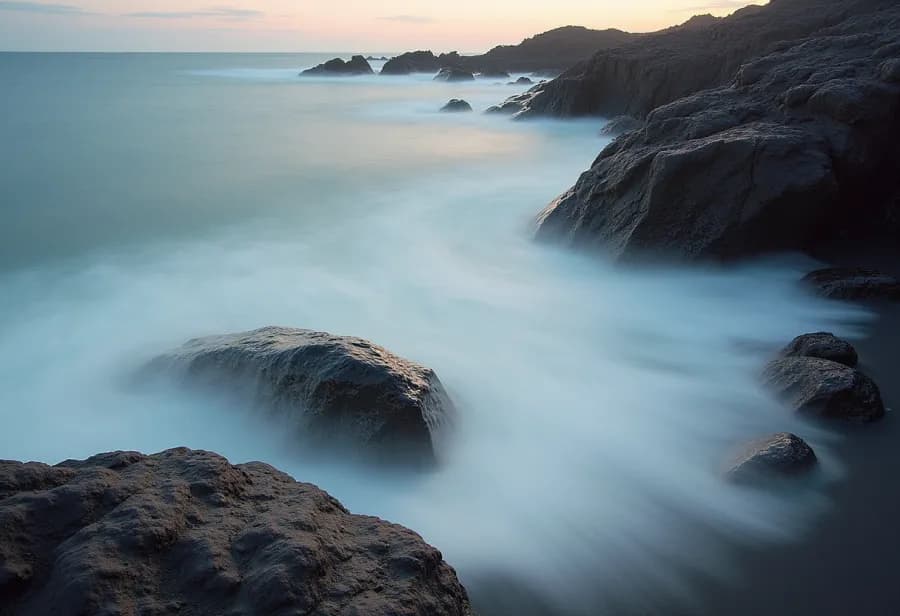
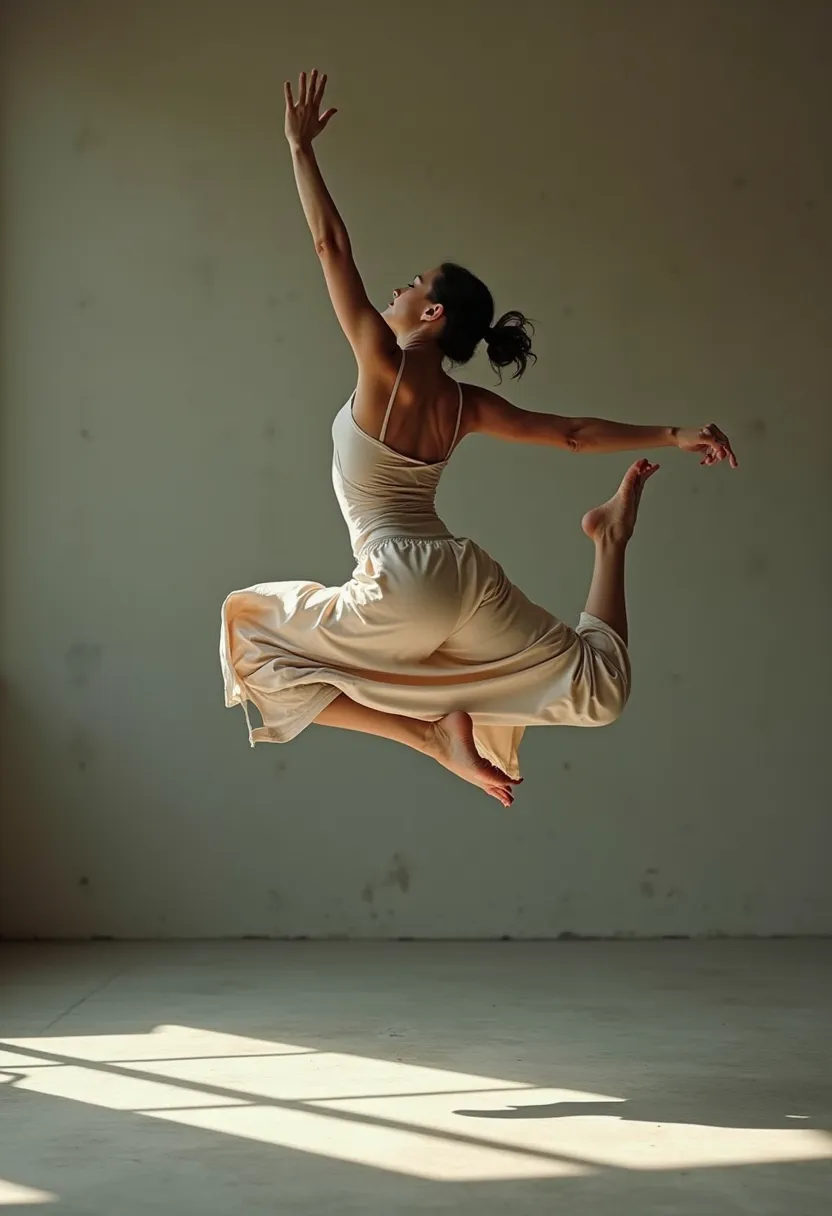
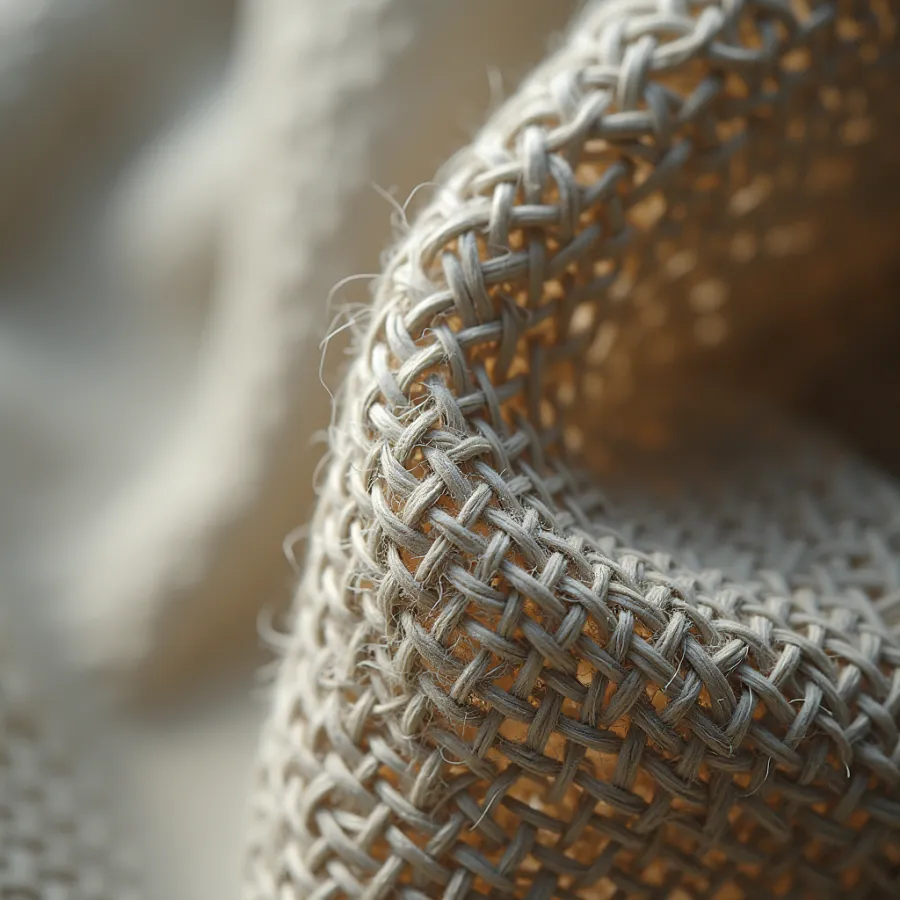
Fast drafts. Photoreal finals. Text that’s actually legible. Edits built from your own reference shots. There’s a model for each — and the assistant will pick if you’d rather not think about it.

Never buy another credit.
$9.99once
Unlimited pictures. No credits to buy, nothing to renew.
Works with the Wi-Fi off
Once a model’s on your disk, nothing you make leaves your Mac.
App Store rating
macOS 26
or later
Apple Silicon
16 GB or more
recommended
Make your first picture tonight.
$9.99, one time. No subscription.